
What was asked
Record the party, mission reference, date and location, then state the original objective. A useful report starts with the task the group understood.
Give the mission a lasting record
The objective. The outcome. The part of the story worth keeping. Bring the party’s account and your review together, then decide what becomes the official record.
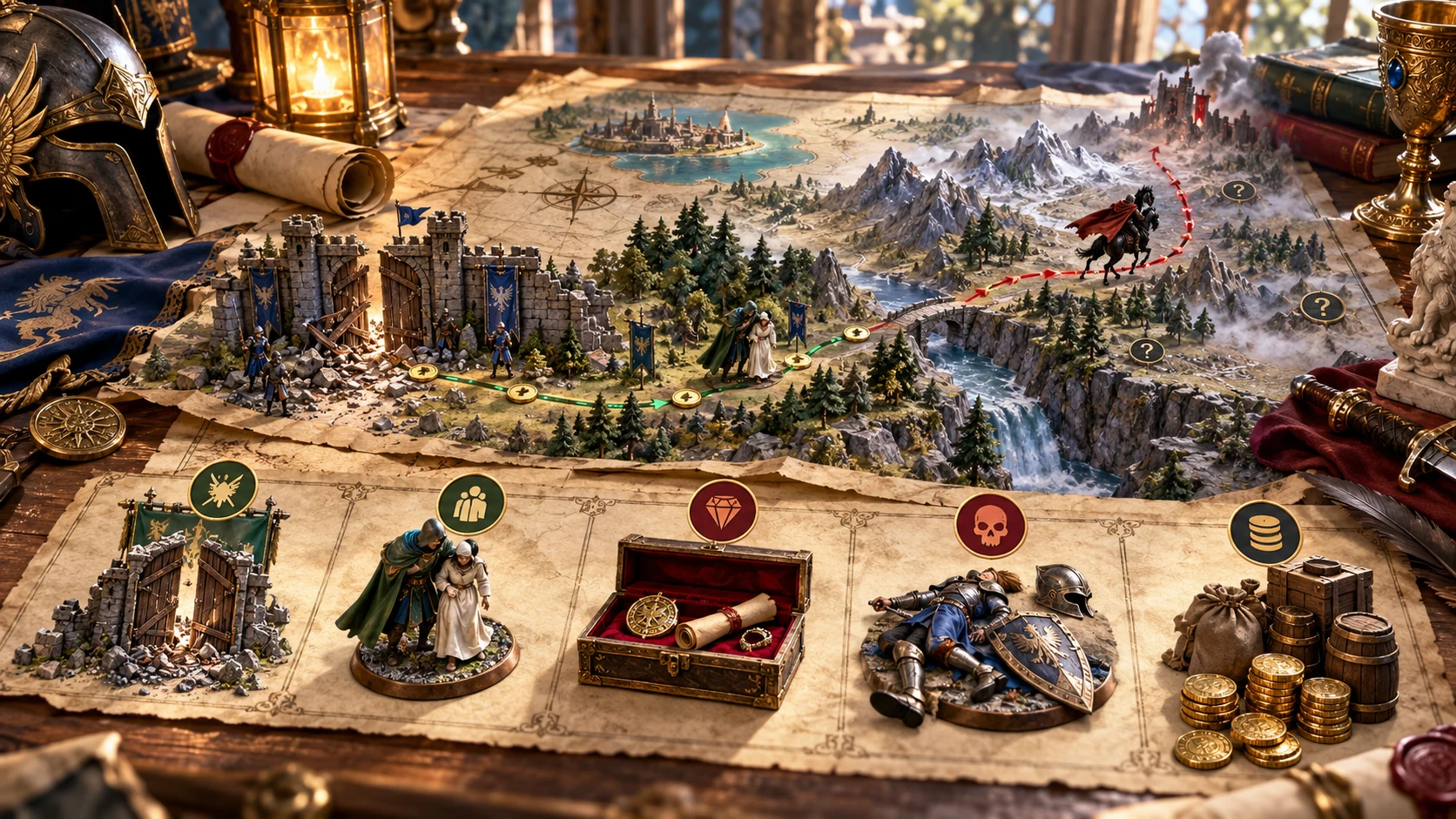
From events to a usable record
Keep intention, testimony and interpretation together without losing their differences.
Record the party, mission reference, date and location, then state the original objective. A useful report starts with the task the group understood.
Choose declared outcomes and write an explanation. Add narrative, deviations and names mentioned so later review has context.
Write the official interpretation and record entry. Reputation changes, flags and follow-up are authored notes for decisions you make.
Prepare an official statement and copy the player-facing text. Read the included summary, performance notes and narrative before sharing.
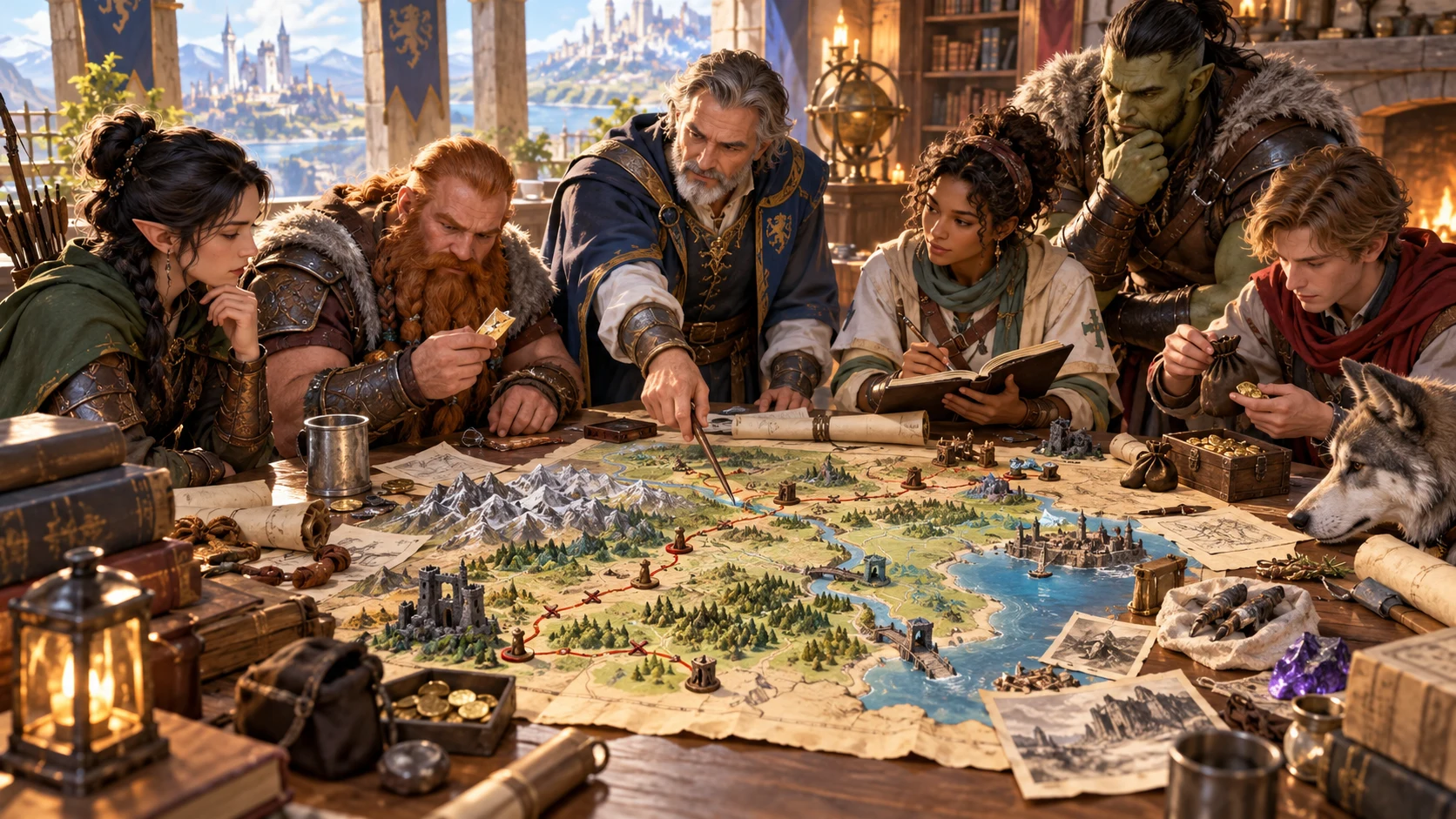
Reconstruct the mission together
The illustration shows an adventuring group reviewing a route map, notes and evidence. Use that same care to distinguish the original objective from what happened along the way.
Record the account and relevant performance notes, then write your review. The artwork illustrates a discussion; the tool does not generate maps or verify evidence.
A report you author and review
Follow the sections at your own pace, then keep the intended record.
Enter the mission identity and objective yourself, or apply a mission starter to a blank objective. Existing objective text is retained.
Choose performance positions and notes, then write the narrative and departures from orders. The assessment counts selected positions.
Choose interpretations, official record entries and reputation notes. Add follow-up flags and the response you want the party to hear.
Review completeness and audience, copy the intended text and file a new local record. Incomplete reports can be filed; review is your responsibility.
What the current tool provides
Structured fields organise the report; you determine events, meaning and consequences.
Record party, mission reference, date, location, reviewing role, objective, declared outcomes and an explanation. Keep the original intention beside what the party says happened.
Choose positions for completion, interactions and lasting impact. Add notes about timing, force, civilians, discretion, stability and risk. The assessment counts answers; you decide the verdict.
Write the narrative, departures from orders and people or places mentioned. Keep testimony separate from the DM’s interpretation so differences remain visible.
Choose interpretations and record entries, then explain your reasoning. Add faction reputation rows with a change, visibility and notes, or mark no change after checking existing rows.
Request a draft from the selected assessment positions. It proposes the same value for the first two faction entries; accept an editable row or leave it. Review fresh suggestions after changing inputs.
Record permit review, inquiry, scrutiny, rival interest, future work or closure. Write follow-up notes and an official statement for the party; outcomes remain decisions at your table.
Copy the full report for your records or player-facing text with the summary, performance, narrative and official statement. Private review and follow-up are omitted; review freeform text before sharing.
File a new record on this Windows installation, including the report and faction roster. Open it again or remove it individually. Each filing creates a new entry; saving is separate from account access.
Begin from the kind of work assigned
Mission starters fill only a blank objective. They do not write the outcome or review.
Start with establishing what happened and who was responsible, or recovering a target. Adapt evidence, witnesses and condition to the actual assignment.
Start with safe delivery or agreed terms. Describe secrecy, delay, relationships or interests in your own mission context.
Start with a tactical objective or reliable findings. Add casualty concerns, infrastructure, routes, hazards or samples where relevant.
Applying a starter leaves nonblank objective text intact. Edit it manually when the assignment changes; no random generation or seed is involved.
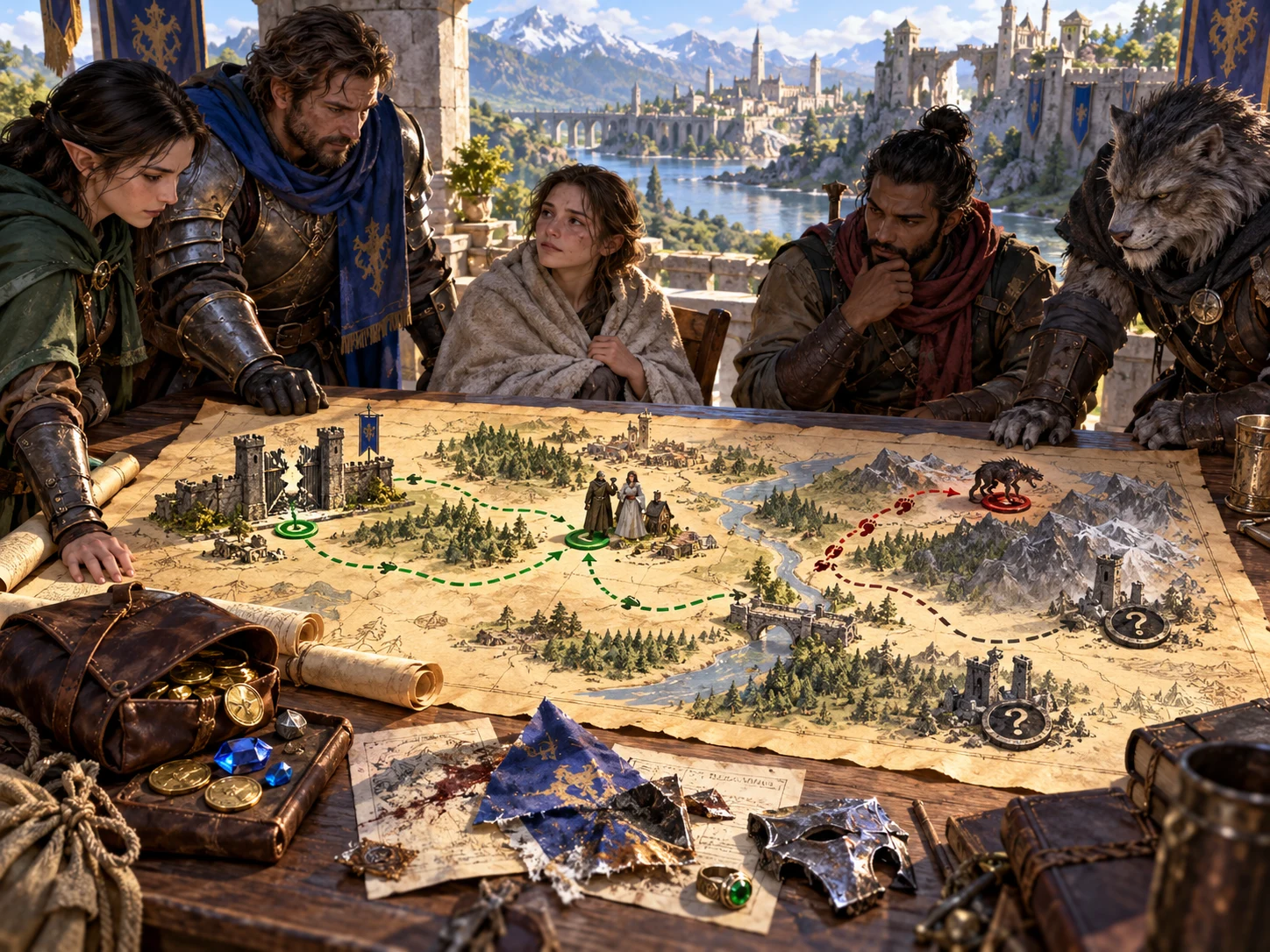
Keep the aftermath honest
The illustration brings the party, a route map, recovered treasure and a damaged standard together. Success can still leave casualties, unresolved risk or a changed route.
Record the declared outcome and its explanation. Review reputation, follow-up and the official statement separately; a filed record does not apply campaign changes.
Revise the report deliberately
The form, suggestions, copied text and filed records have different roles.
Edit objective, outcomes, performance notes and narrative as your understanding changes. Reconsider review and official statement yourself.
Suggestions can remain after report or roster edits. Request a fresh draft before accepting rows; repeated acceptance can add repeated rows.
Edit faction names and rows to suit your setting. Marking no change does not erase existing rows, and accepted suggestions do not update campaign reputation.
Every filing creates a new record rather than updating a previous file. Open restores the saved report and faction roster; there is no autosave or prior-version browser.
Keep truth and audience deliberate
The structure helps you ask questions; it does not settle them for you.
It counts selected performance positions and some missing inputs. Some axis input can satisfy its summary; it does not require every axis or verify evidence.
The player view omits private review, reputation and follow-up sections. Freeform secrets in included fields are not automatically filtered.
The DM-only label is not a separate login or locked role. Full-report copy includes private material; choose your audience and check the actual text.
The reference uses selected summary and assessment fields. Notes, review and narrative changes can retain it; it is not proof of unique content or official approval.
Choose access for your toolkit
Begin with a free VISINVOKE account, then review the required selection and subscription.
Select Mission Report System individually. Creating a free account does not by itself include paid generator access.
Choose five eligible standalone generators. Review tools and terms in your account; a selection pack does not include every VISINVOKE product.
Choose more capacity when it suits your toolkit. Review actual tools and reselection terms before changing your subscription.
Your account provides required access through Desktop Command Centre. Filed reports stay in this Windows installation’s app-data profile, with no account cloud synchronisation.

File the report and editable faction roster on this Windows installation. Reports are not separated by VISINVOKE account in this local store. Keep your own backups of important records.
Open a local record to restore report and roster. Remove deletes the chosen local file. Each filing creates a new entry; there is no account library search or archive control.
Copy full-report or player-facing text. The player copy includes summary, performance, narrative and any official statement. Clipboard availability depends on your environment.
The current window has no JSON download, print control or direct Combat PRO transfer. Related products are separate tools; move reviewed notes manually when useful.
Optional reputation suggestions provide the same bounded draft value for the first two faction entries and omit the faction-impact choice. They do not infer each faction’s politics or apply campaign changes.
Build your tabletop toolkit
Each card opens its own public website. Review purpose and access separately; links do not promise included access or automatic synchronisation.

Discover and open your supported Windows products through one connected VISINVOKE account.

Explore environment packs for tactical locations and the places your encounters unfold.
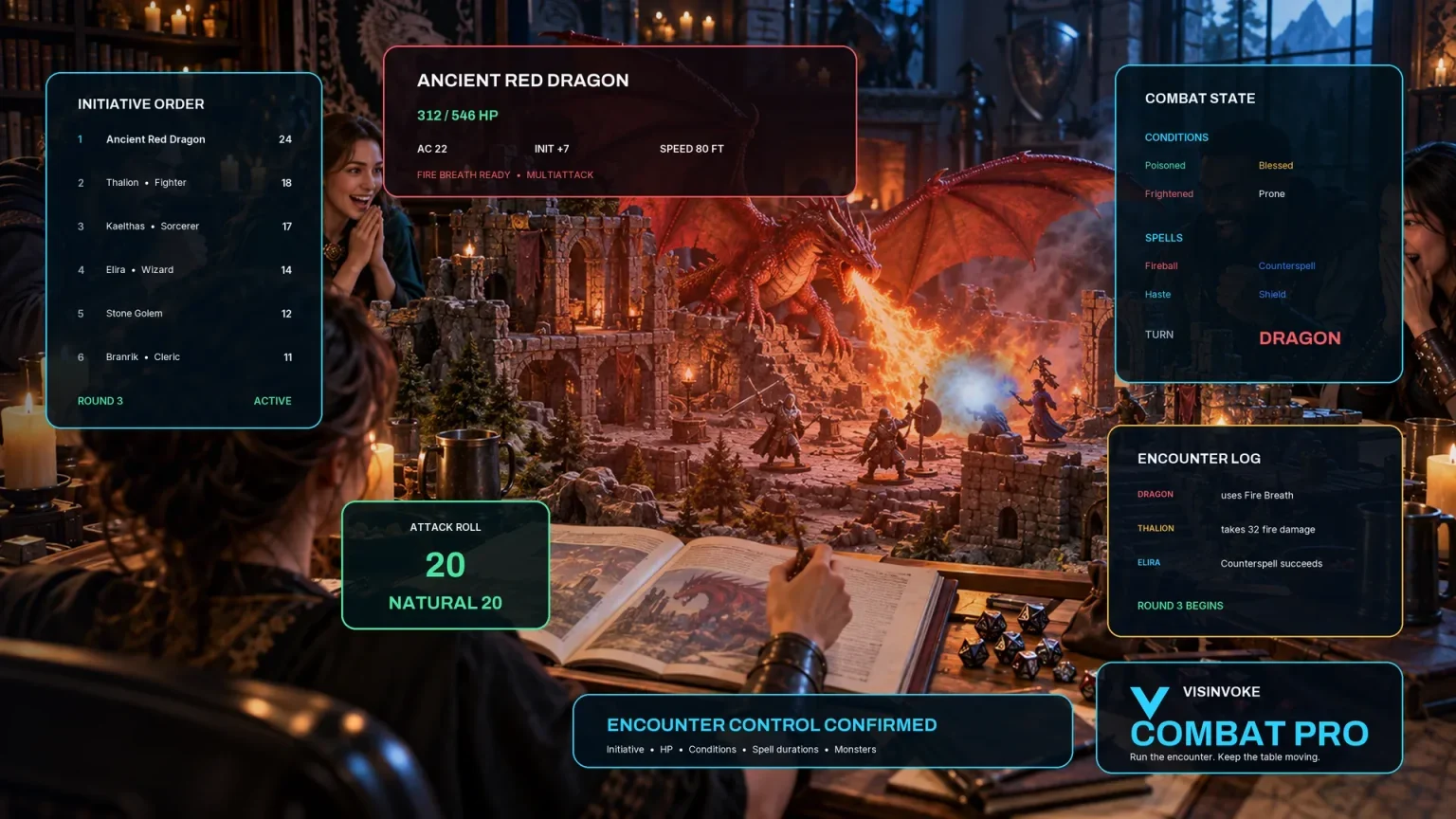
Review prepared opposition, tune creature statistics and run tabletop encounters with its own access.
Create focused character, monster, item and location images to complement your tabletop preparation.

Create guided commercial visuals for websites, brochures and wider creative projects.

Explore a separate futuristic RPG experience with its own world, characters and progression.
Product artwork illustrates mission review, not application screens or actual generated image output.
Quick answers
Understand the current workflow and review limits before opening the tool.
It organises a mission summary, performance positions, party narrative, DM review, reputation notes, follow-up flags and an official response. You author outcomes and interpretations. Assessment summarises selected positions and some missing input; it does not verify events or decide success. Incomplete reports can be filed, so review the content yourself.
Choose investigation, escort, recovery, diplomatic, military or exploration as an objective starter. Apply fills a blank objective with the brief and primary and secondary aims; it does not replace an existing objective or invent events. Completion, interaction and impact positions each have notes. The required-input summary needs some axis input, not every axis, and is not a guarantee that the report is complete.
Suggestions are optional drafts based on selected assessment positions. They use the same bounded change for the first two entries in your editable faction roster, omit the faction-impact choice and do not interpret each faction’s politics. Accept adds an ordinary editable reputation row. Request fresh suggestions after changing the report or roster. Repeated acceptance can add repeated rows. Marking no change does not remove existing rows; review consistency. No campaign reputation is automatically updated.
Player-facing copy includes the official summary, performance choices and notes, the party narrative and any official statement. It omits DM review, reputation rows, follow-up flags and notes, and response categories. Freeform secrets in included fields are not automatically filtered. The DM-only label is not a separate login or locked role. Read the actual copied text before sharing; full-report copy includes private material. Clipboard availability depends on your environment.
Reports are local files in this Windows installation’s app-data profile. A filing stores the report and faction roster as a new record. Open restores both; Remove deletes the chosen local file. There is no account cloud synchronisation, autosave or prior-version browser. Records are not separated by VISINVOKE account in this local store. The reference uses selected summary and assessment fields, so changes to notes, review or narrative can keep the same reference. Keep your own backups of important records.
Use a VISINVOKE account and the required standalone selection to open the Windows tool through Desktop Command Centre. Current individual access is US$1.99/month; five selected eligible generators are US$8.99/month. Account access and local report storage are separate. The current report window provides full-report and player-facing copy, with local filing, opening and removal. It has no JSON download, print control or direct Combat PRO transfer. Related products have separate purpose and access.
Continue in VISINVOKE
Create a free VISINVOKE account and choose required standalone access.
Get Desktop Command Centre from your account installer page. Sign in on Windows, then open Mission Report System.